Minecraft Java visibility mod

No Fog Mod

Clear away Minecraft fog with the configurable client-side NoFog mod. Get the exact supplied CurseForge file, understand loader compatibility, and install it without guessing.

Client-side modFabric / Quilt fileDirect CurseForge source
About the Mod

What Is No Fog Mod?

NoFog is a highly configurable client-side Minecraft Java Edition mod that removes fog. The project supports multiple loaders overall, while the direct download supplied for this website is specifically the Fabric/Quilt build for file ID 5438586.
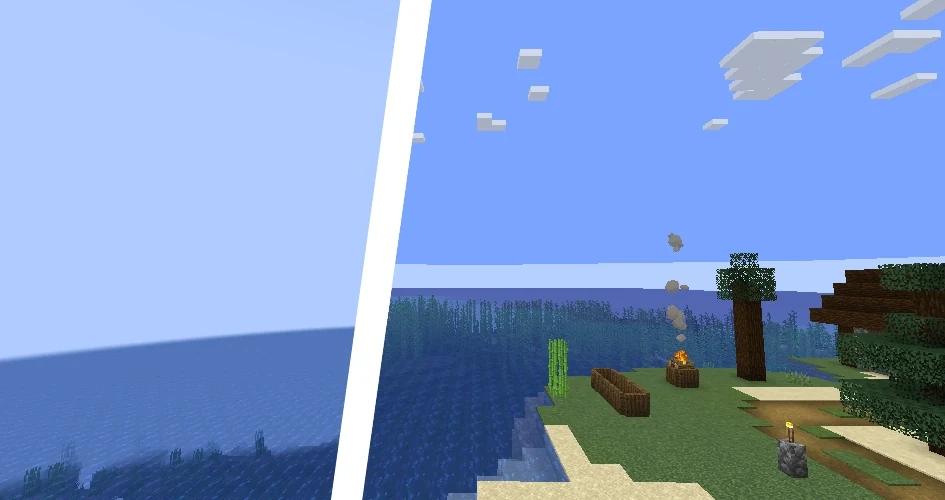
Client-sideChanges your local visual rendering rather than world content.
ConfigurableDesigned to let players control fog behavior.
Java EditionThe supplied file is a mod JAR, not a Bedrock/PE add-on.
CurseForge fileThe file source uses the exact URL supplied for this site.
Minecraft before-and-after style visibility comparison
Built around the supplied NoFog CurseForge file — not a texture-pack or PE download.
Features

What NoFog is designed to do

These points describe the project and the supplied build without inventing unsupported performance or security claims.

Remove visual fog

NoFog targets Minecraft fog so distant terrain is not hidden by the usual atmospheric haze.

Configurable behavior

The project is described as highly configurable, giving more control than a fixed visual preset.

Client-side

CurseForge lists the project environment as client-side, so it is focused on local rendering.

Multiple loader ecosystem

The project has Fabric, Quilt, Forge and NeoForge builds across its version history. This page's supplied file is the Fabric/Quilt build.

Clearer long-distance view

Fog removal can make terrain and structures easier to see at the view distance your game is already rendering.

Visual-only approach

As a client-side rendering mod, NoFog is focused on changing fog presentation rather than altering Minecraft terrain generation.

No Fog Mod Setup

How No Fog Mod Works With Your Minecraft Setup

No Fog Mod Setup

Match Your Minecraft Version

Confirm the Minecraft version you play and pair it with the correct Fabric or Quilt loader before adding No Fog Mod.

Use the Correct NoFog File

Choose the NoFog build that matches your game version and loader so the mod can load without a version mismatch.

Add NoFog to the Mods Folder

Move the NoFog JAR into the mods folder of the same Minecraft instance where your Fabric or Quilt profile is configured.

Verify Clearer In-Game Visibility

Open Minecraft with that profile, enter a world, and confirm NoFog is active by checking the fog behavior and visibility distance.

Use Cases

Where fog removal can help

Long-distance building

See the shape of distant builds and terrain without fog obscuring the view.

Exploration

Scan visible terrain more clearly while exploring at your existing render distance.

Visual comparison

Use a fog-free setup when you prefer a cleaner, less atmospheric Minecraft presentation.

Benefits

Why players use a no-fog setup

Clearer scenesLess haze over terrain already in view.
More controlConfigurable behavior rather than a fixed visual rule.
Local visual changeClient-side focus for the player's own display.
Loader optionsProject builds exist across several loaders, with this file for Fabric/Quilt.
Installation

Install the supplied Fabric/Quilt build

Confirm version

Use a Minecraft version listed for file 5438586.

Prepare loader

Install the compatible Fabric or Quilt loader for your instance.

Add the JAR

Close Minecraft and place the downloaded JAR inside that instance's mods folder.

Launch and verify

Start the matching profile and confirm the mod loads before troubleshooting anything else.

Direct Download

Download No Fog Mod

Get the supplied No Fog Mod Fabric/Quilt release from CurseForge for Minecraft Java. File 5438586 is listed for Minecraft 1.21 and several earlier versions; confirm your game version and loader before installing.

Download No Fog Mod
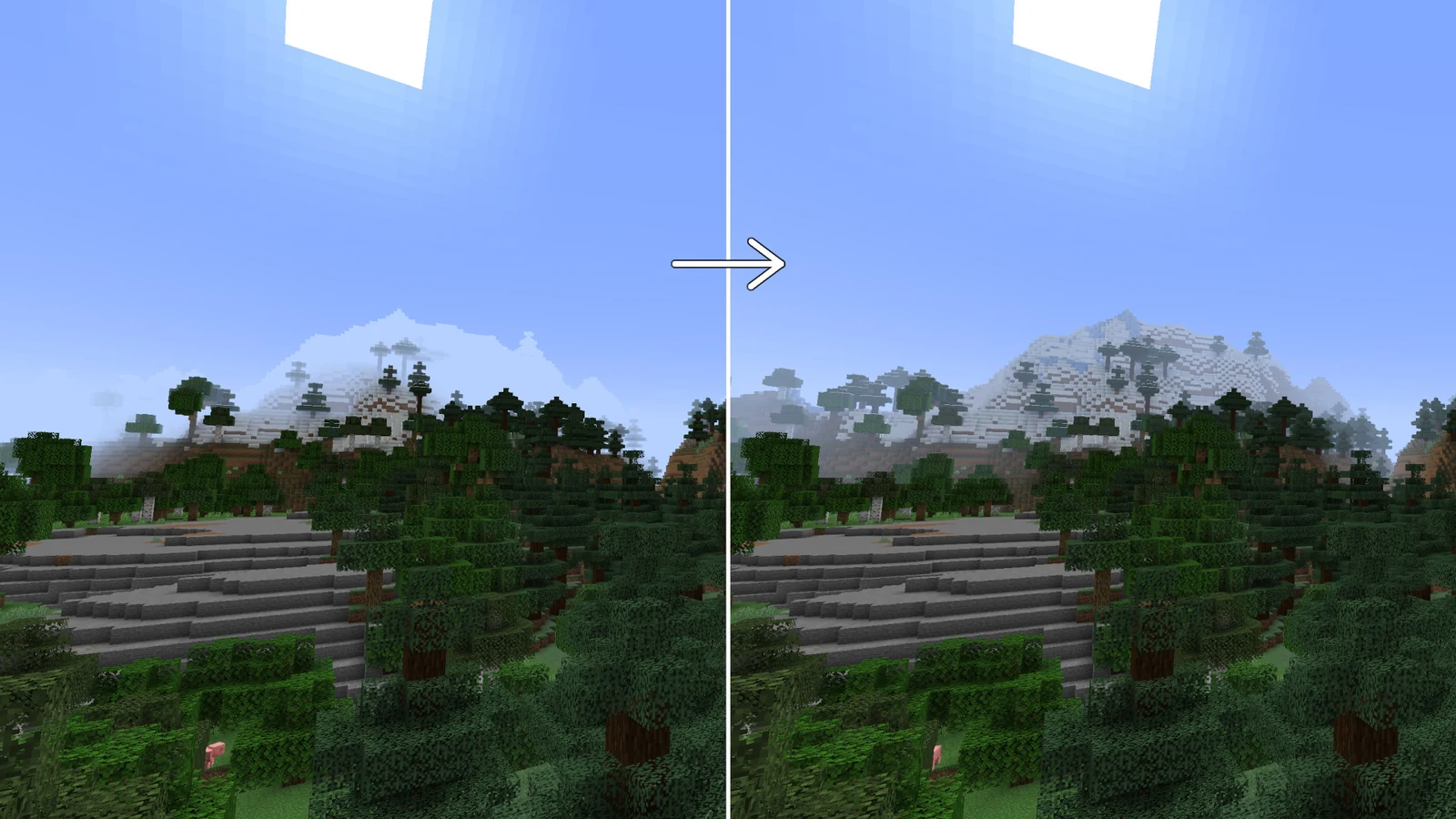
Before installing, verify that your Minecraft version and loader match the file. Back up important instances before changing a mod setup.
Minecraft Nether scene demonstrating clear long-distance visibility
Safety & Download Information

Install with context, not assumptions

Use the supplied source

The supplied file points to the exact CurseForge API URL configured for this project.

Back up first

Keep a copy of important worlds or instances before changing mods.

Match the build

Do not use this Fabric/Quilt JAR as a Forge, NeoForge, Bedrock or texture-pack file.

Review your setup

Check loader requirements and your instance configuration instead of relying on generic compatibility claims.

Pros and Cons

Practical trade-offs

Pros

Clearer long-distance visual presentation.
Configurable client-side approach.
Long project history with builds across multiple loaders.

Cons

The supplied direct file is only the Fabric/Quilt build.
Fog removal changes Minecraft's intended atmospheric look.
Newer patch versions should be verified before installation.
Release Information

What is confirmed for this download

Supplied file

NoFog-1.3.6+1.16.5-1.21.jar — CurseForge file ID 5438586, listed as a release for Fabric and Quilt.

Compatibility note

The file page lists Minecraft 1.21 and multiple earlier versions. This website does not label unlisted 1.21.x patch releases as supported without verification.
Guides

Learn before you install

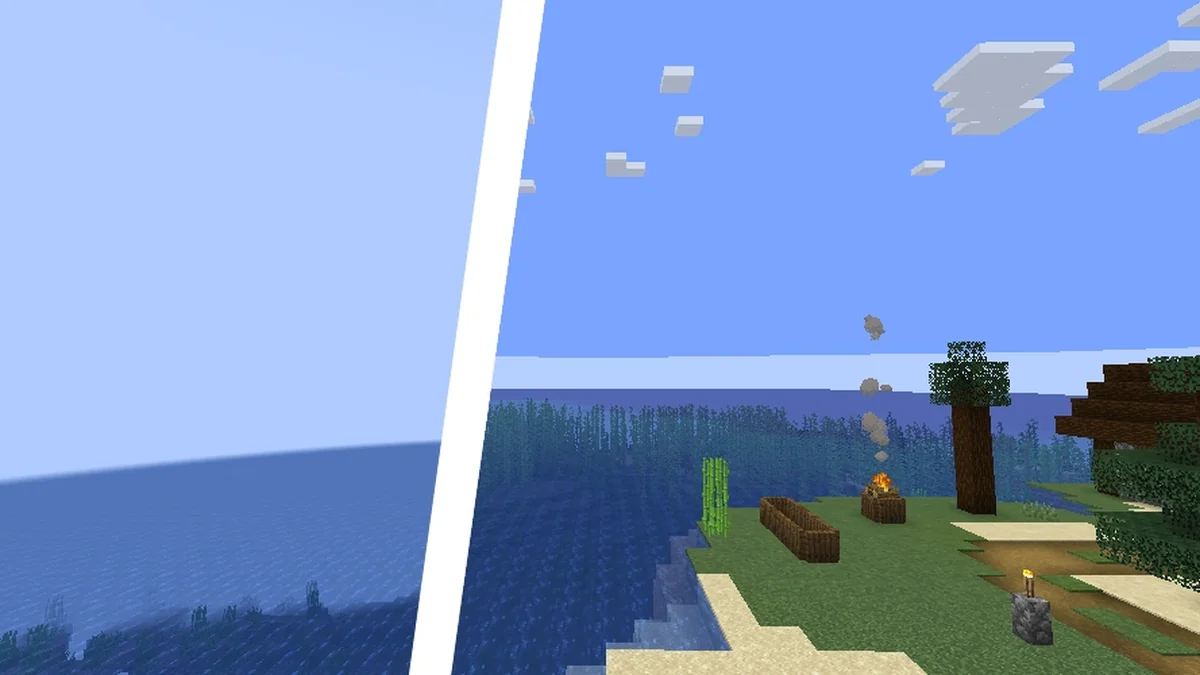
Minecraft landscape for No Fog Mod 1.21 guide

No Fog Mod 1.21 compatibility guide

What the supplied file supports and how to match the right loader.

Read guide
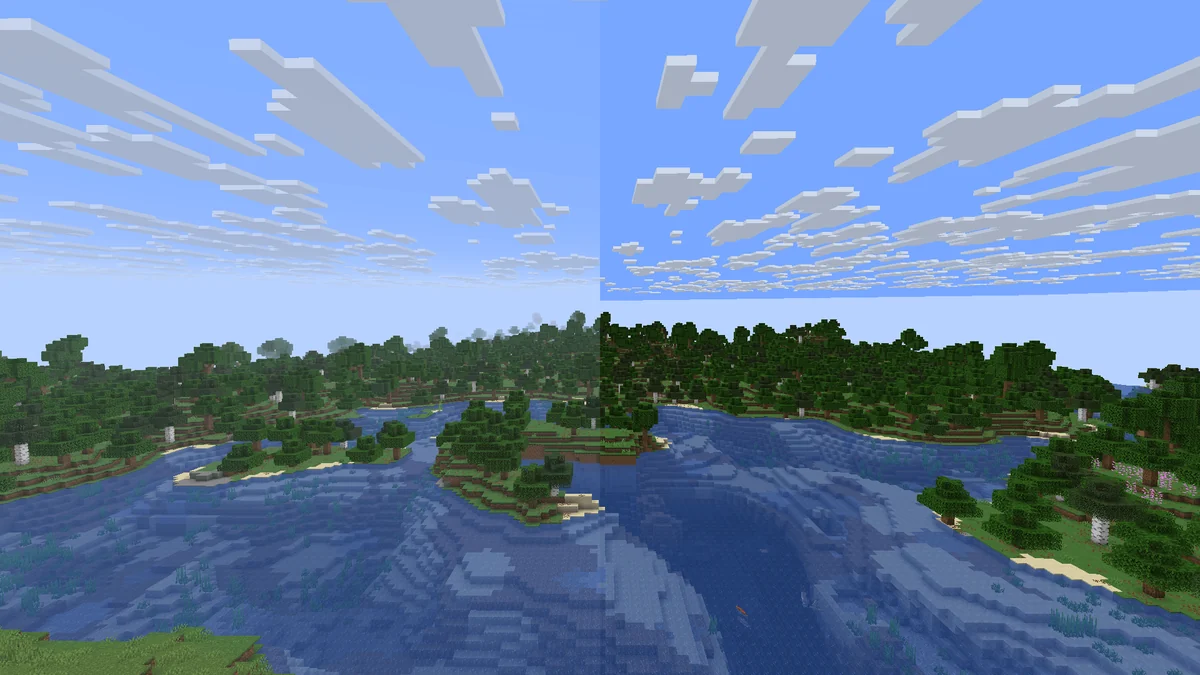
Minecraft Nether scene with long visibility

No Fog Mod Nether visibility explained

What fog removal changes in Nether-style environments and what it does not.

Read guide
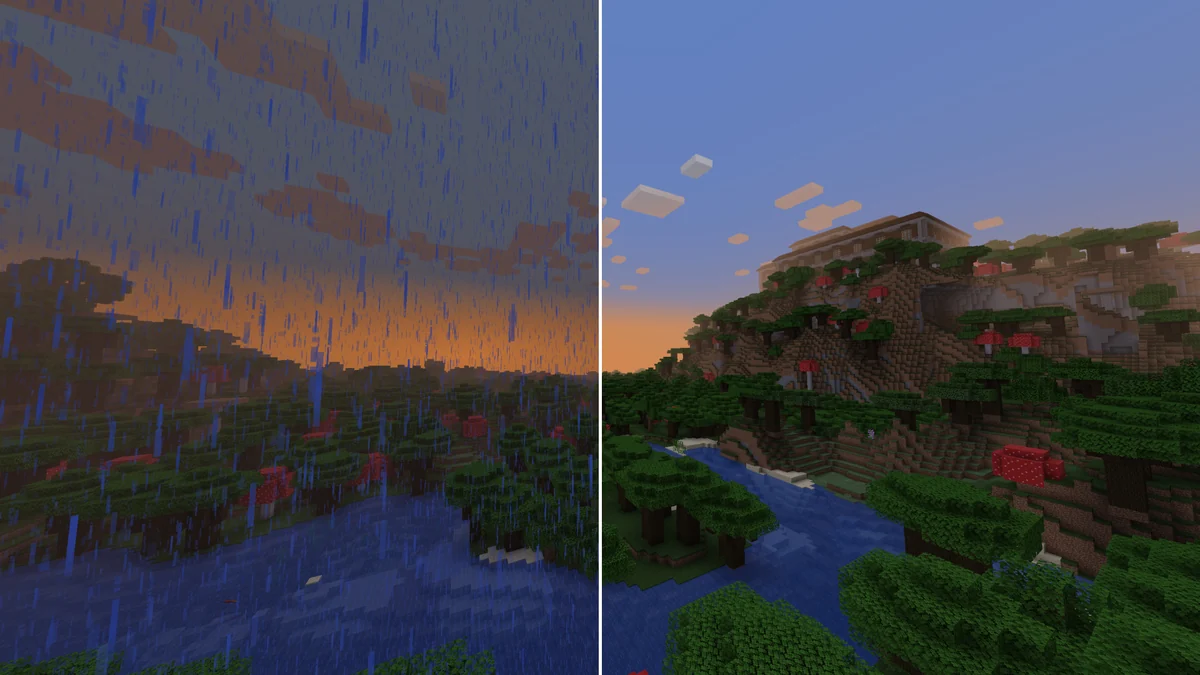
Minecraft landscape comparison for mod versus texture pack guide

No Fog texture pack vs No Fog Mod

Why a mod JAR and a resource pack are not interchangeable.

Read guide
View All 9 Guides
FAQ

Frequently Asked Questions About No Fog Mod

Compatibility, download, setup and search-intent questions in two focused categories.

NoFog is a configurable client-side Minecraft Java Edition mod that removes fog. The supplied download points to CurseForge file ID 5438586.
Yes. The project description states that the mod removes fog and is configurable, improving visibility beyond the normal fogged view.
No. The supplied file is a Java mod JAR, not a texture pack ZIP. Searches for “No Fog texture pack” may refer to separate projects.
No. The supplied file is for Minecraft Java Edition mod loaders, not Minecraft PE/Bedrock. Do not install the JAR into a Bedrock resource-pack folder.
CurseForge lists file 5438586 for Minecraft 1.21, 1.20.6, 1.20.4, 1.20.2, 1.20.1, 1.19.4, 1.19.2, 1.18.2, 1.17.1 and 1.16.5.
Yes. The supplied file is listed for Fabric and Quilt on CurseForge.
Yes. CurseForge lists Quilt as a supported loader for the supplied file.
The supplied file ID 5438586 is the Fabric/Quilt build. The project has separate NeoForge files for compatible Minecraft versions.
The project includes Forge support for older compatible versions, but the supplied direct download is not the Forge build.
Yes. CurseForge identifies the project environment as client-side.